

Featured on
-

The Verge
“[It] works just like the emoji finder in Slack… Enter a colon when you want to use an emoji, type its name, and hit enter again to insert. It’s much more convenient than using the Mac’s built-in emoji keyboard.”
-

Tools & Toys
“If you upgrade the app [you’ll receive] 150 gifs, images, and memes that can be added to Rocket’s autocomplete list. Plus, you’ll have the ability to add your own custom emoji phrases along with your own gifs and images.”
-

Lifehacker
“It’s a lot more convenient than tapping Control+Command+Space and the search works much better to boot.”
-

iMore
“It's a simple app, but incredibly fun if you're already a fan of Slack's emoji implementation.”
Free
- The fastest, smoothest Slack-style emoji picker for your Mac
- Access to every emoji through the shortcut window
- Pick your favourite skin tone
- Light and dark themes
We’ll never nag you to upgrade, but if you want to step up your emoji game…
Pro
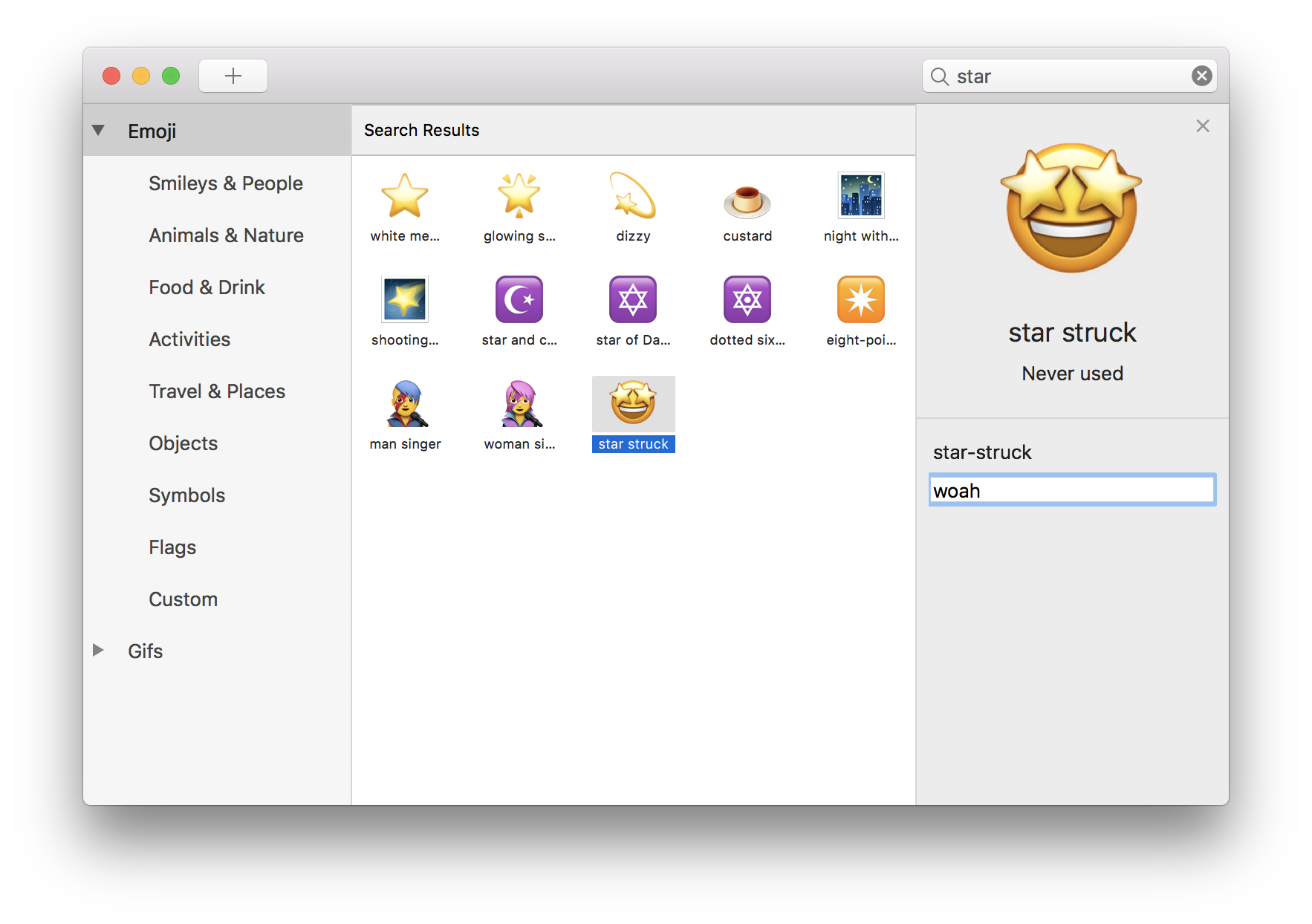
- Scroll and search your way through every emoji in the Search & Browse window
- Use Rocket to send and store gifs, images, and memes
- Set custom emoji shortcuts and add your own emoji
- Add text expansion snippets to Rocket
- Check out your very, very important emoji stats
Unlock Pro for $10 via the 🚀 icon in your Menu Bar, or purchase online here
More Apps by Matthew Palmer